Tip: Assets can be re-ordered regardless of their status, i.e. an asset can be live, under construction, awaiting approval or in safe edit mode and it can be re-ordered.
Occasionally you might want to change the order of the pages in your menu. By default your pages are displayed in the order in which they are created, but you might decide that you want to change the order a bit.
You don't need to delete pages and start again, you can simply change the order in which your assets appear. This can simply be done very quickly via the asset tree in the Admin interface.
Firstly, you need to navigate to the assets (standard pages, images in a folder etc.) you wish to rearrange.
All you have to do now is drag and drop the assets as per the below video:
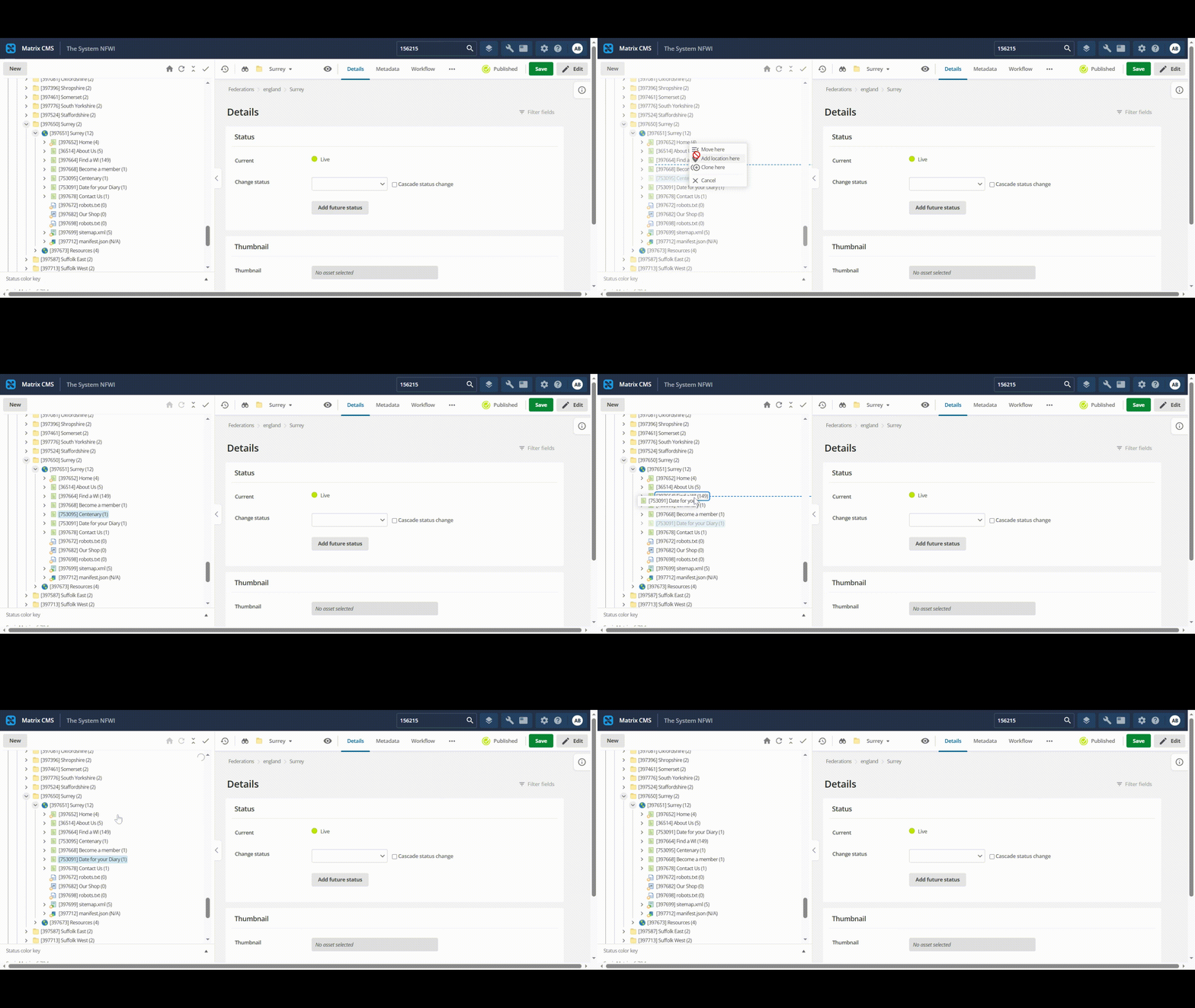
Simply select an asset (such as Date for your Diary or Centenary as per the example), hold and move it into the position you would like it to appear and click Move here. All done!
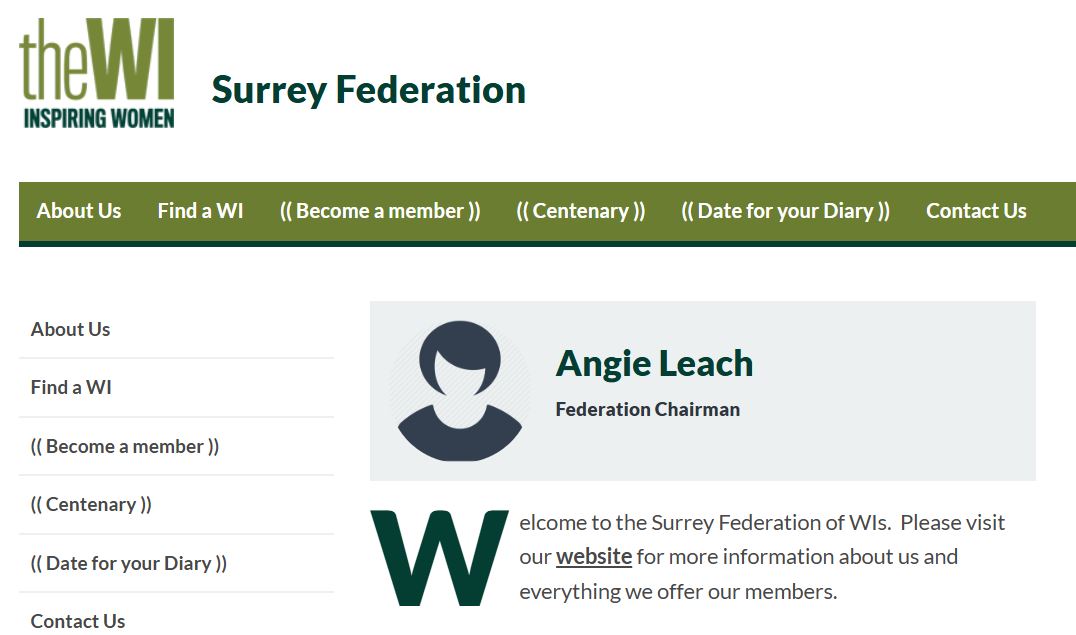
Before:
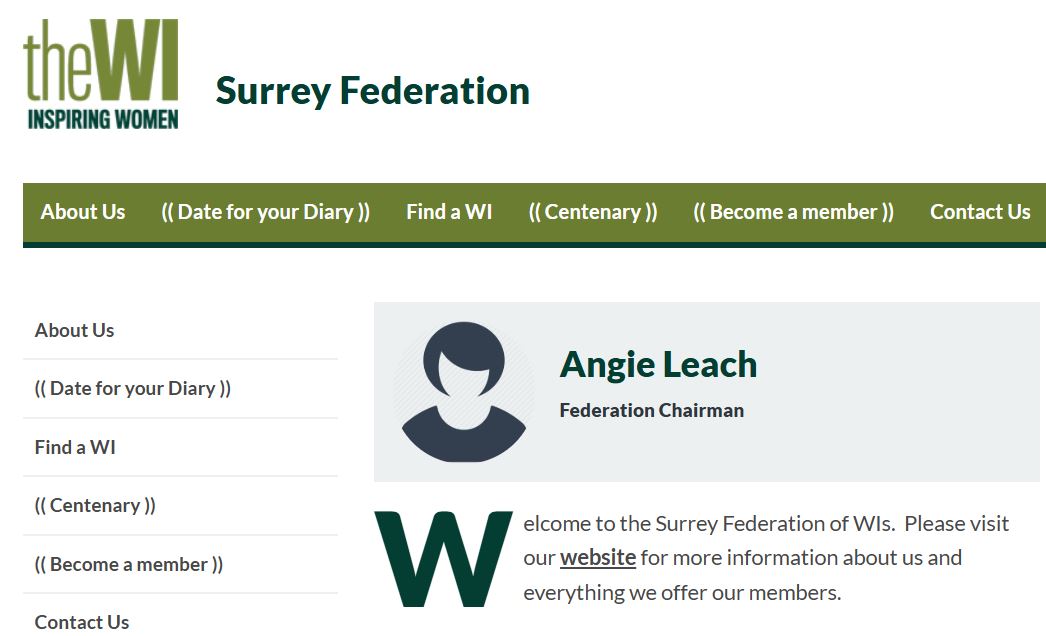
After:
If you have any questions or issues, please don't hesitate to get in touch with o.li@nfwi.org.uk